Desktop Client
Fast, simple, and secure
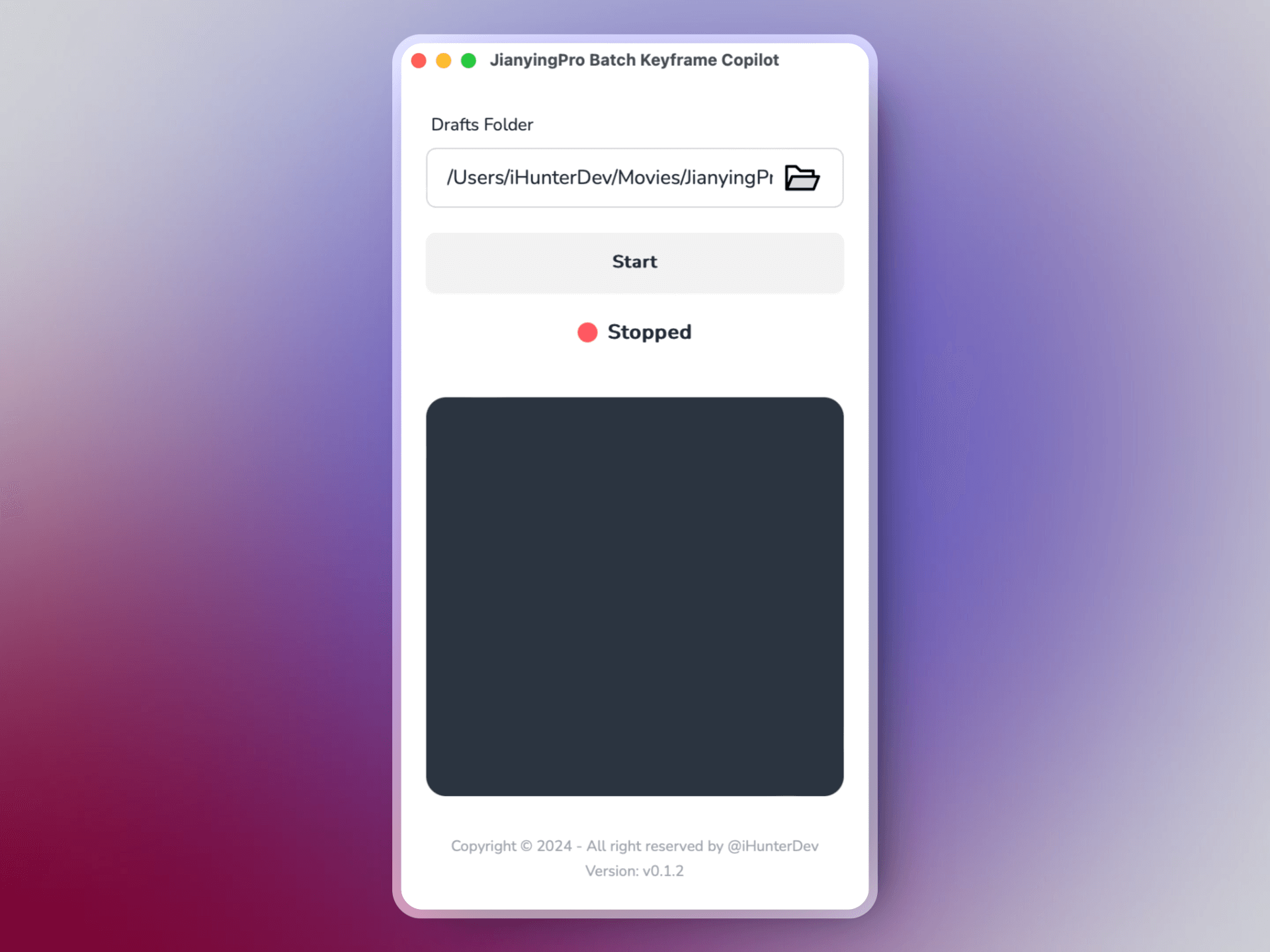
makes everything easier: one-click to complete Keyframe! No more tedious manual efforts—just a simple web interface and a lightweight client to control your files. Plus, with every action backed up, you can rest easy knowing your data is safe.
Only Three Steps
How to Use
01
Download and run the Copilot
Download the client and open it to start the service.
02
Open copilot dashboard
follow Copilot's prompts to open the dashboard, or Open Copilot's dashboard in the browser: https://keyframeai.top/copilot/dashboard.
03
Select a draft and Processing
Select a draft in the console and click the "Process Drafts" button. Copilot will automatically process the draft and generate animation effects.